Sample Output

See What DocuFire Exports

Real exports generated by the app from a sample case. These organize your field data and give you a head start on a summary — your full investigative report is still yours to write.

Sample data only. All names, addresses, and case details below are fictional and for demonstration purposes only.

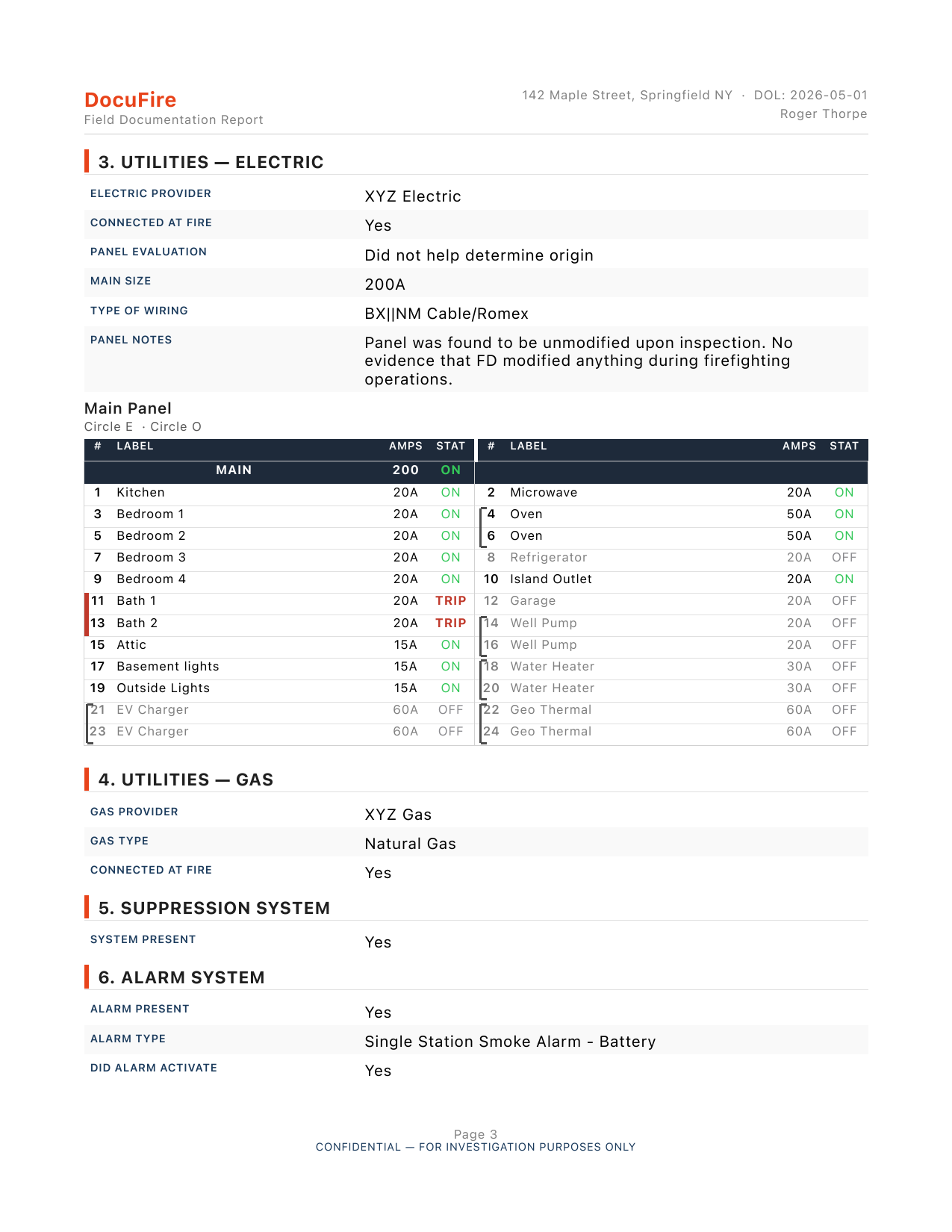
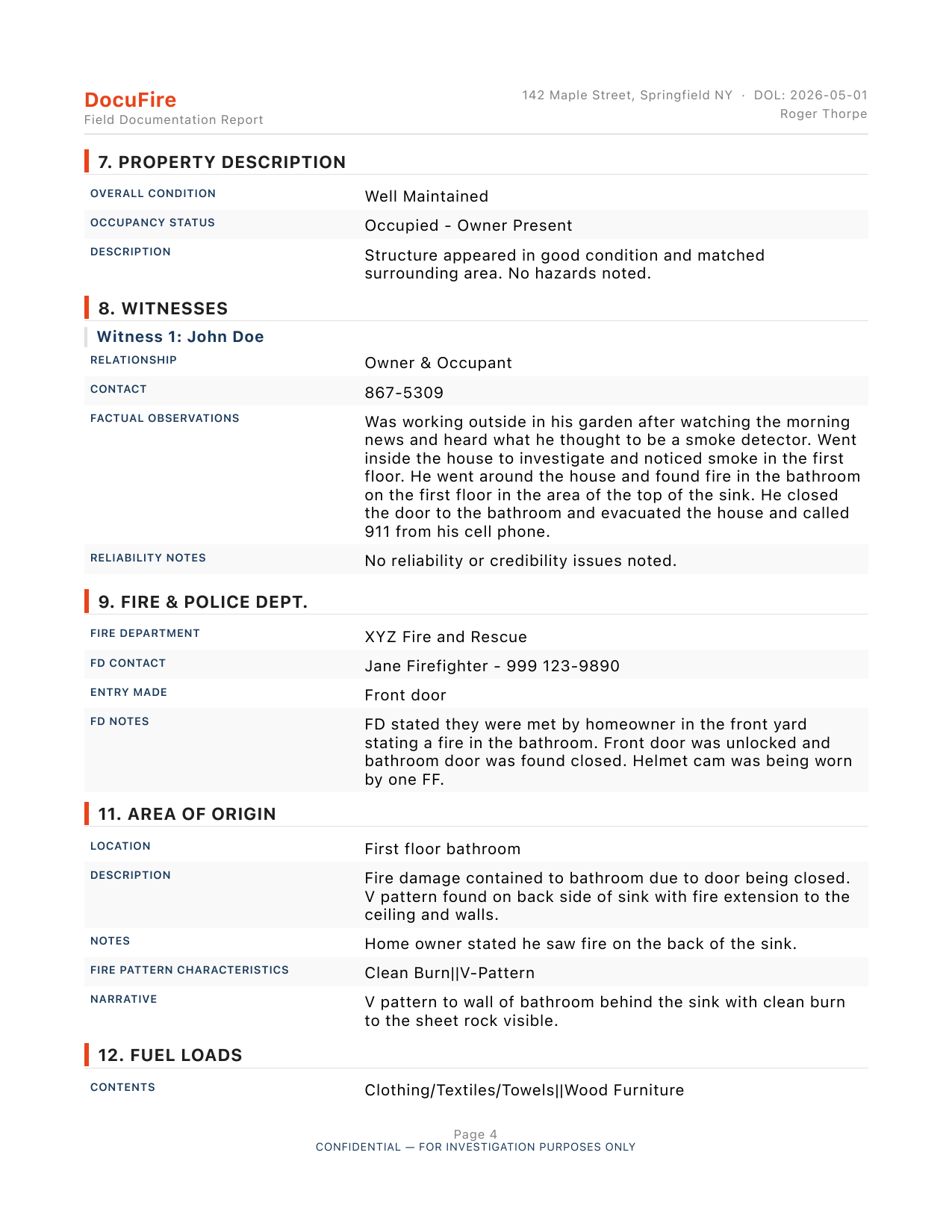
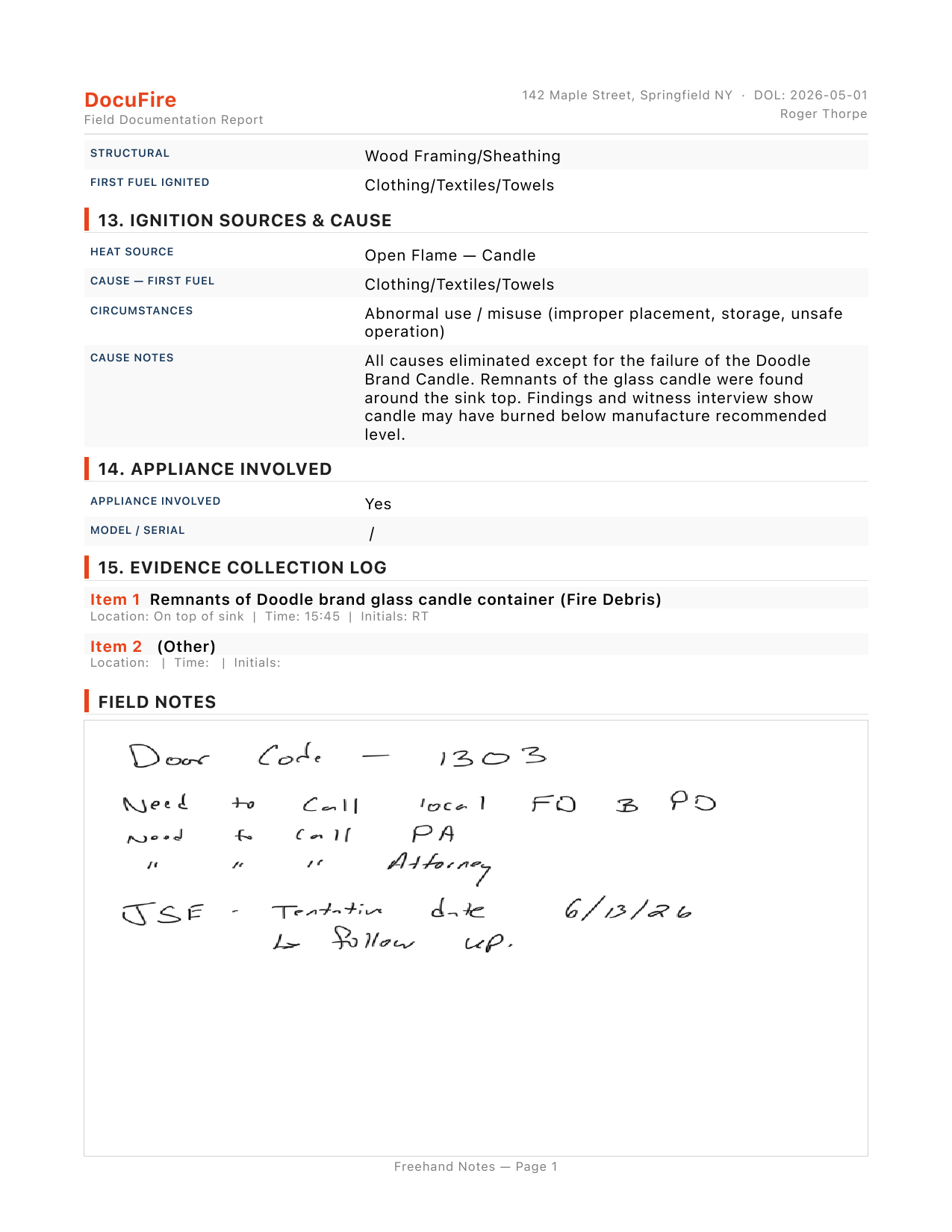
The field documentation export — every section of the case file, structured and formatted for your records. This isn't your final report; it's the organized field data your full report gets written from.
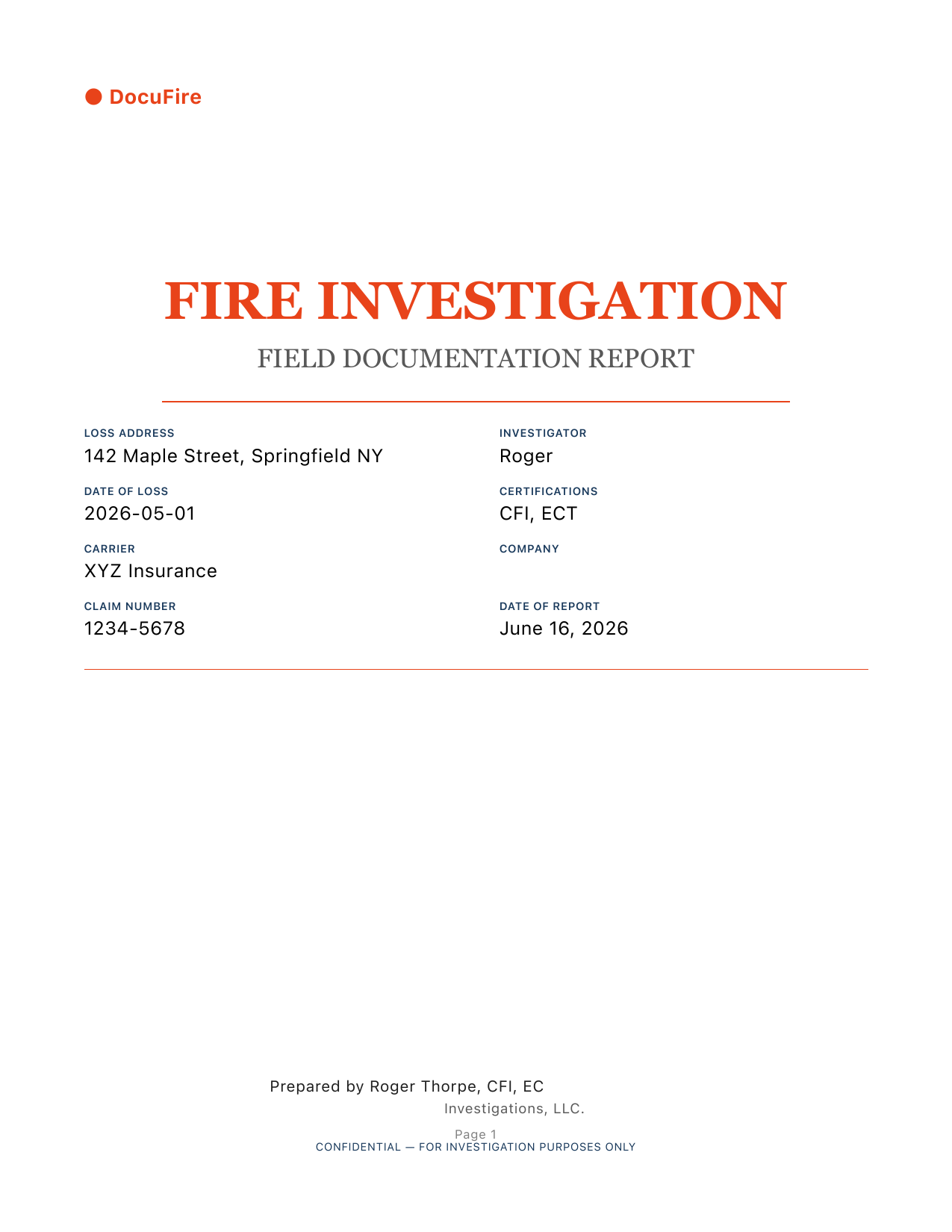
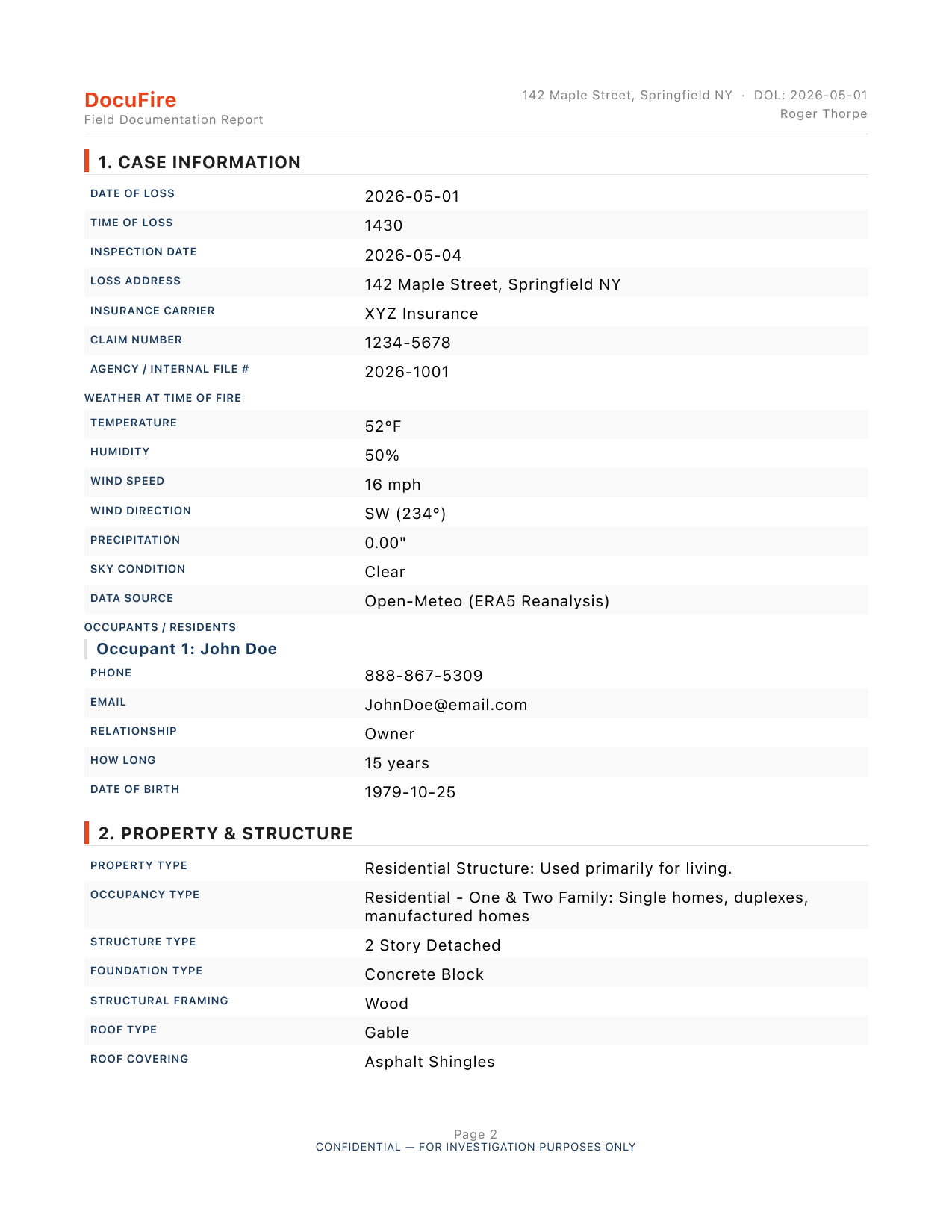
Field Documentation Export — Page 1 Field Documentation Export — Page 2 Field Documentation Export — Page 3 Field Documentation Export — Page 4 Field Documentation Export — Page 5

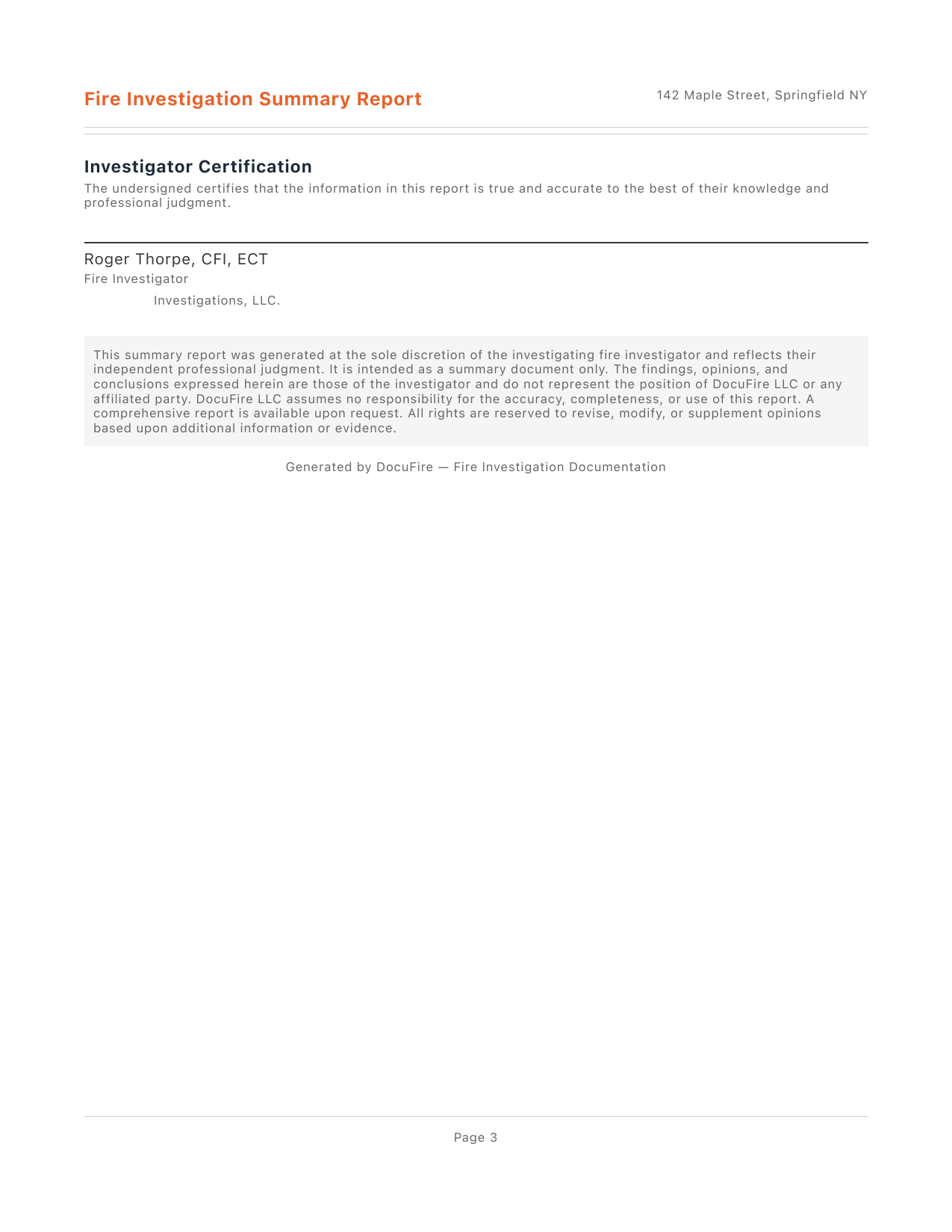
A shorter summary export for sending to a carrier or client when the file calls for it. It pulls the key facts from your case automatically and leaves clearly marked sections for you to write the narrative and conclusions yourself — DocuFire doesn't write your findings for you.
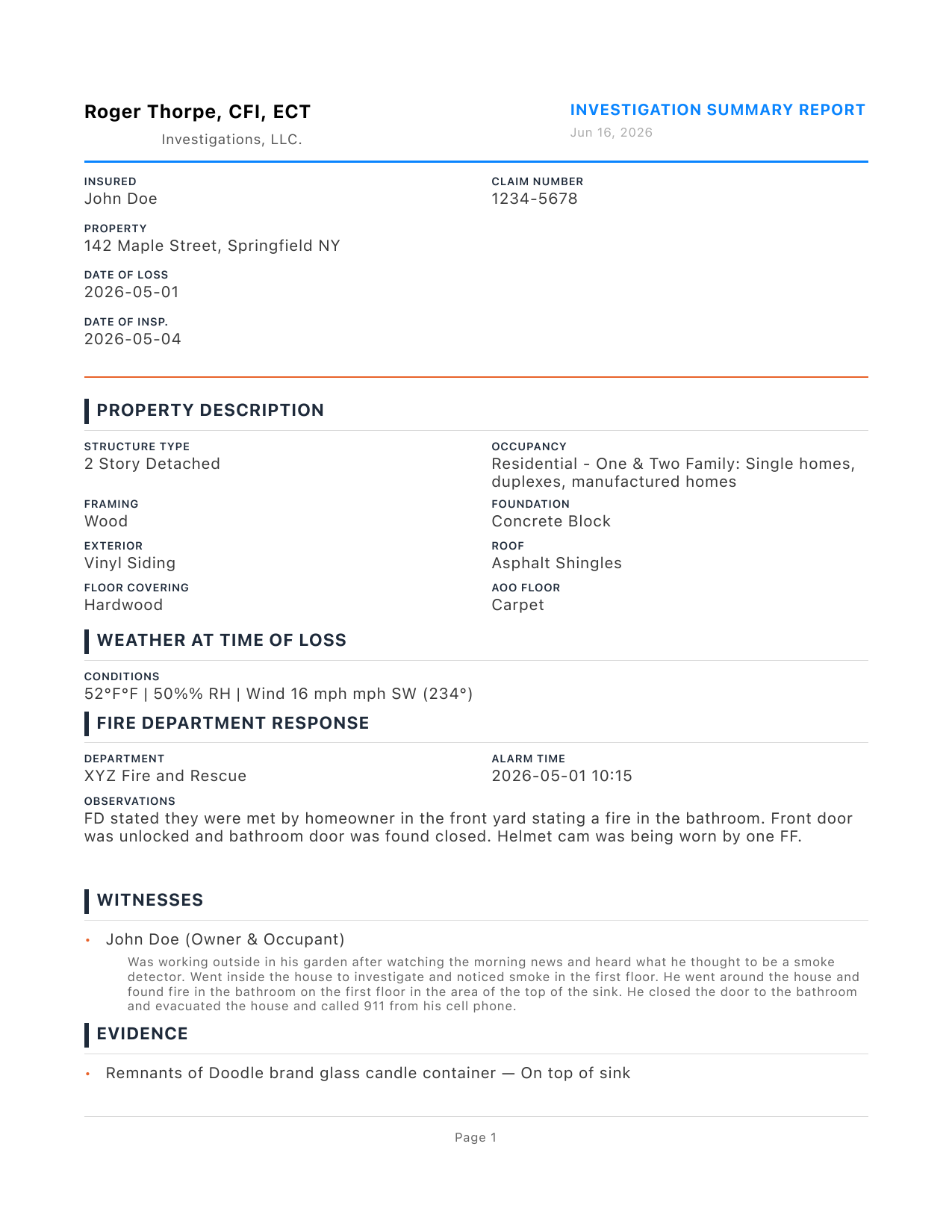
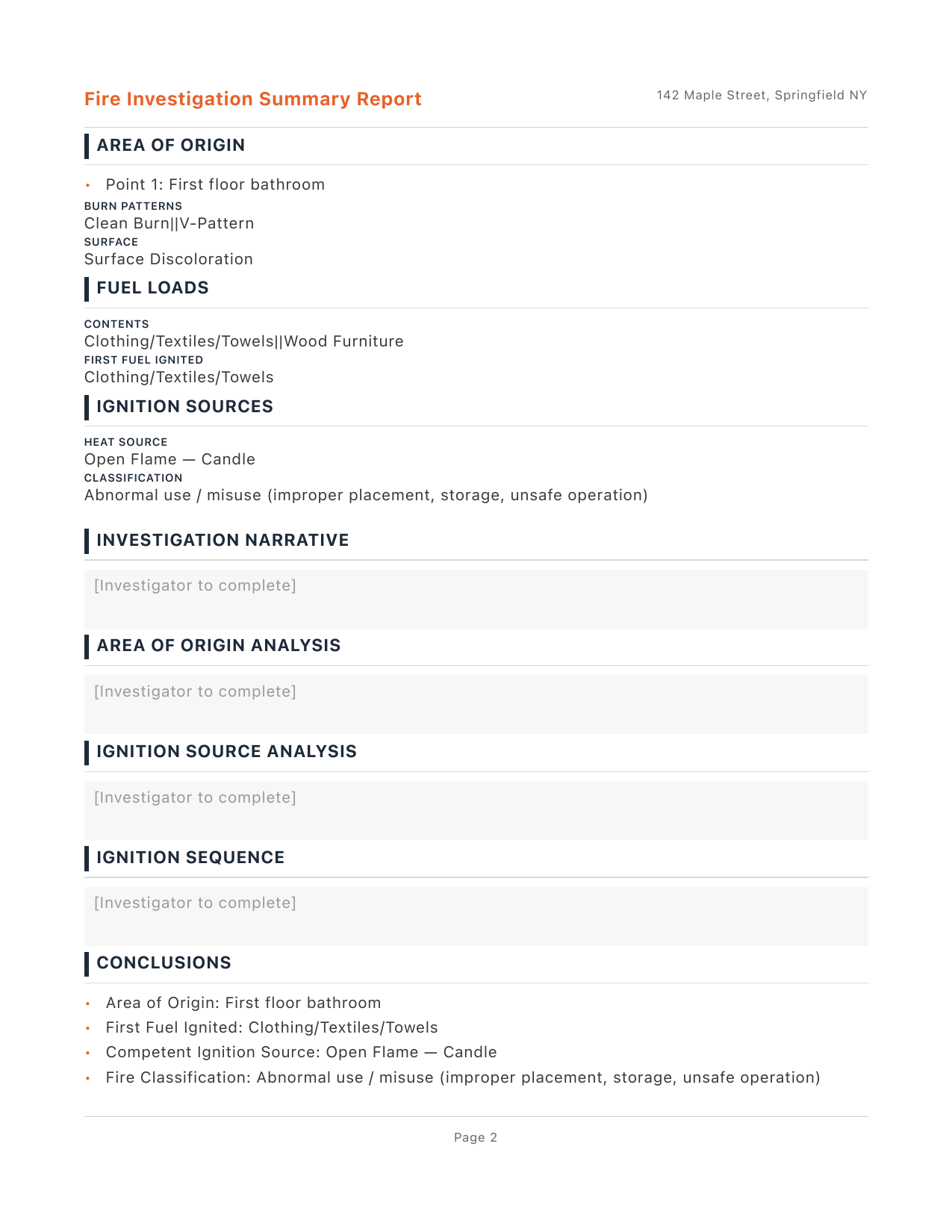
Summary Export — Page 1 Summary Export — Page 2 Summary Export — Page 3

Ready to start documenting your own cases?

Download on the App Store