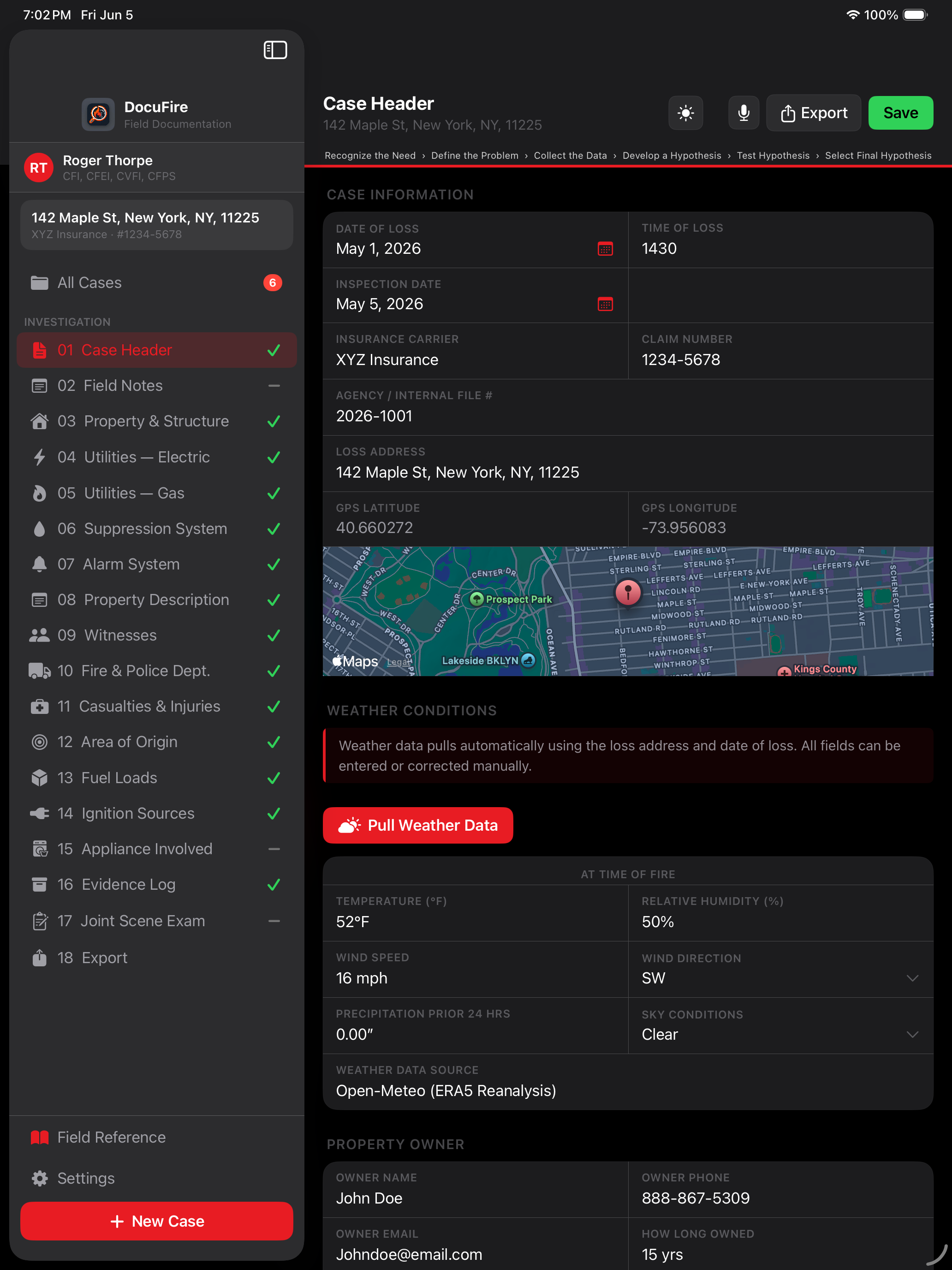
The iPad and Mac app built for fire investigators. Field documentation from scene to report — structured, defensible, and fast.
Built by a working CFI. Not a software team guessing what investigators need.
DocuFire started as a frustration. There are no dedicated native iPad or Mac apps for fire investigation documentation. The one or two tools that exist are web-based — not built for the field, not built for gloves, not built for how investigations actually happen.
DocuFire is built by a CFI, for fire investigators at every level — CFIs, CFEIs, fire marshals, and anyone who documents origin and cause for a living. Every field, every workflow, and every tap target is designed around real investigative work.
Structure, vehicle, and vessel investigation documentation is fully supported. Android and PC support on the roadmap.
Every screen designed for gloves, Apple Pencil, and real investigative workflow.
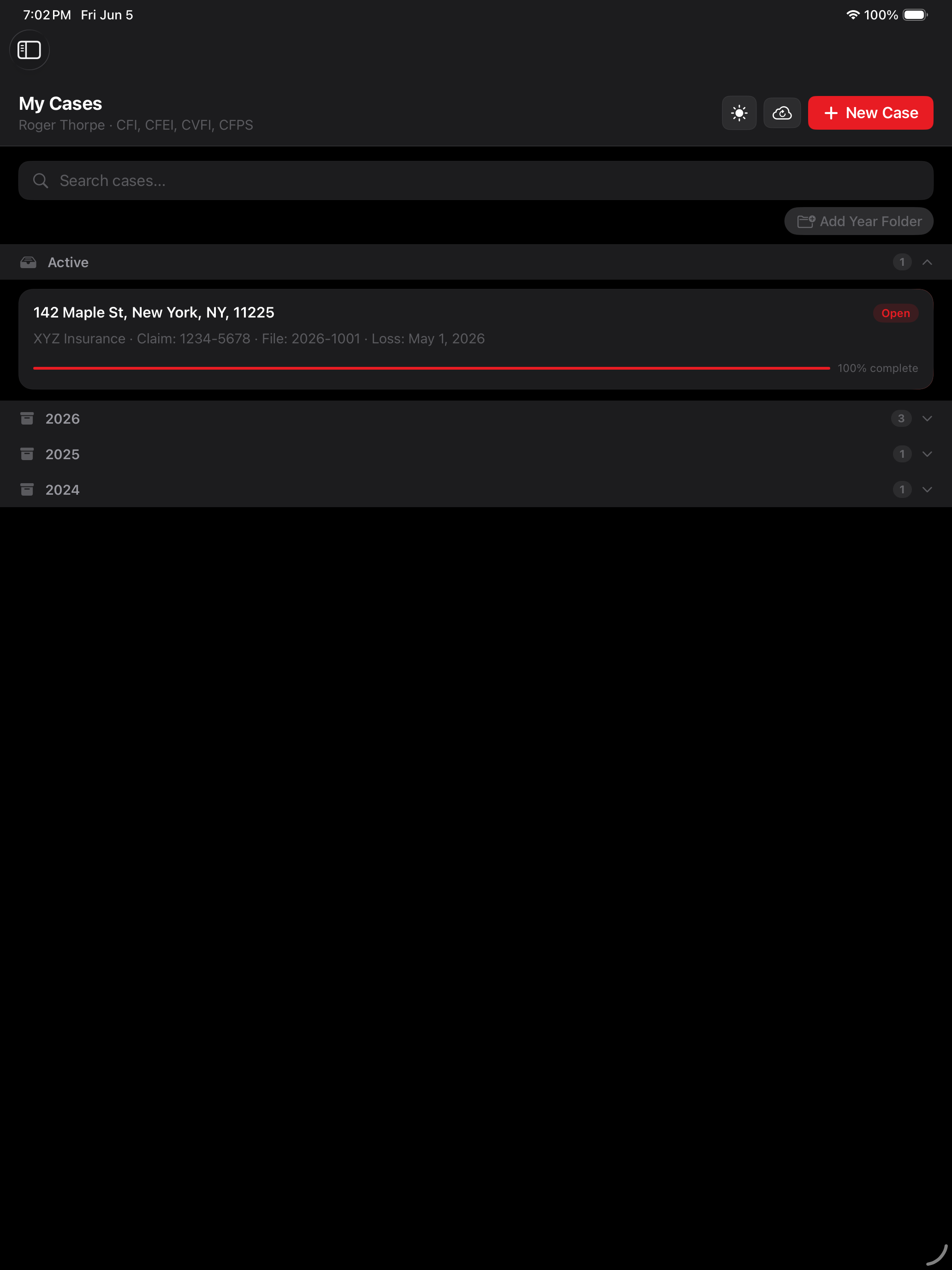
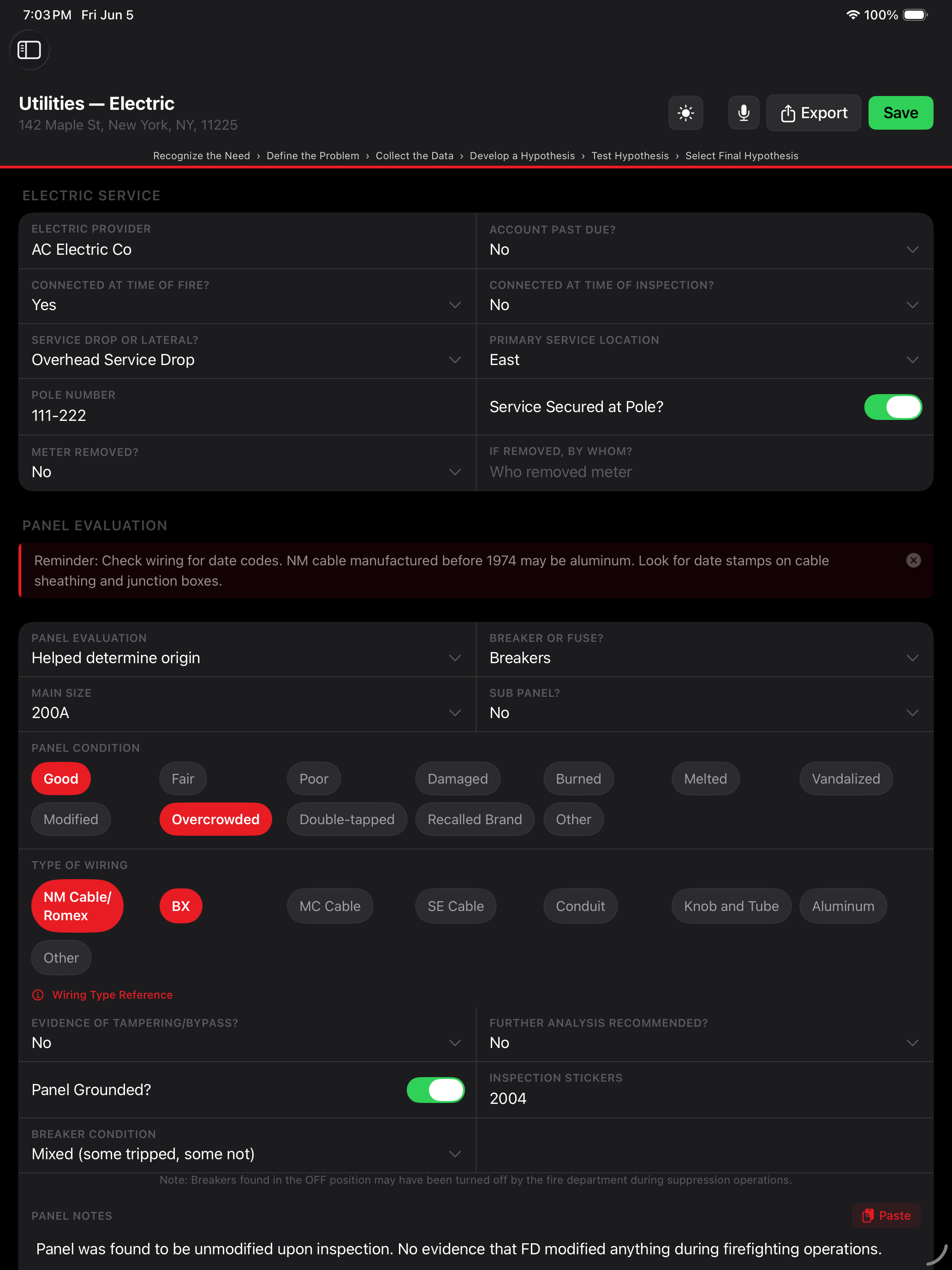
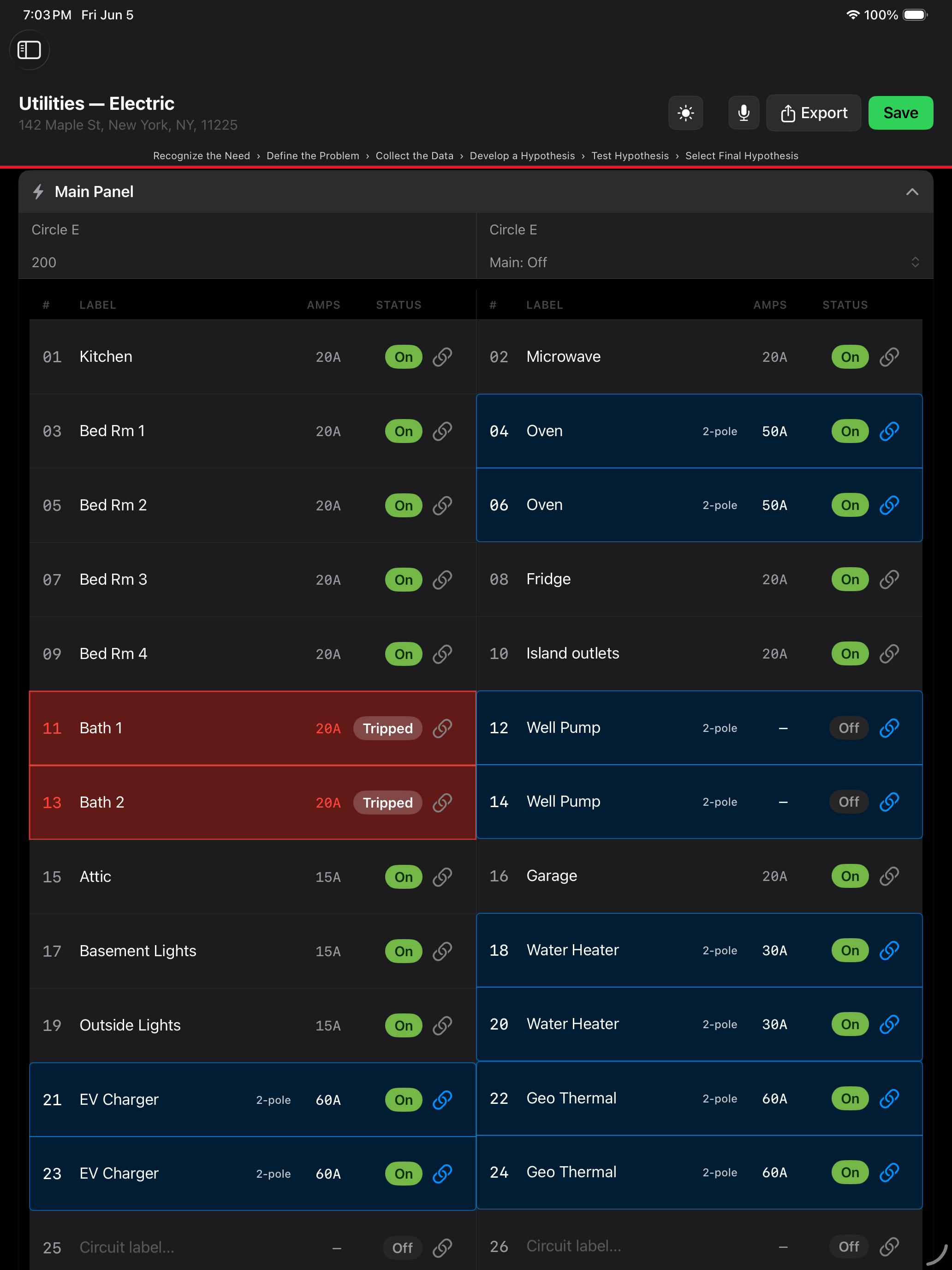
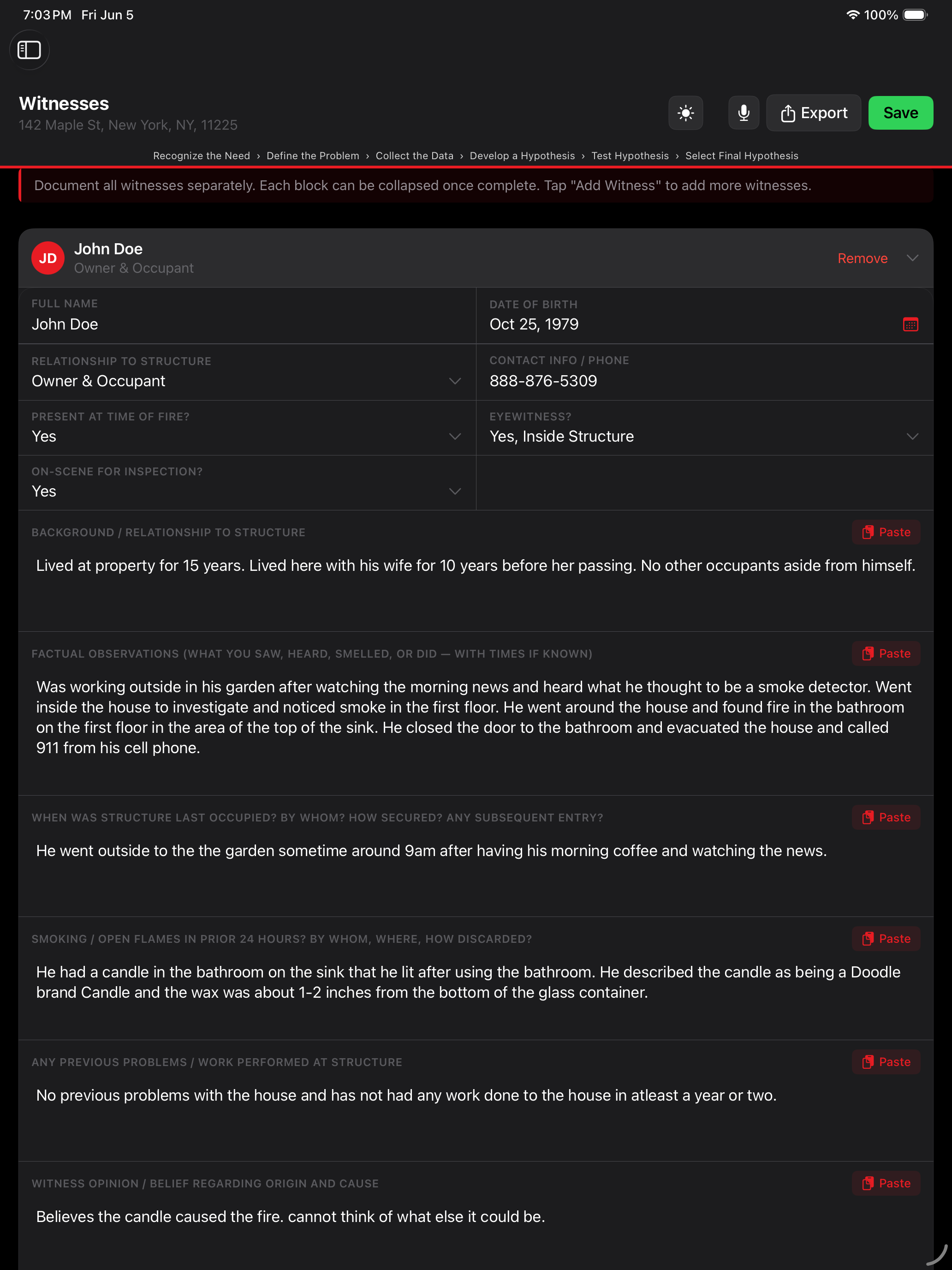
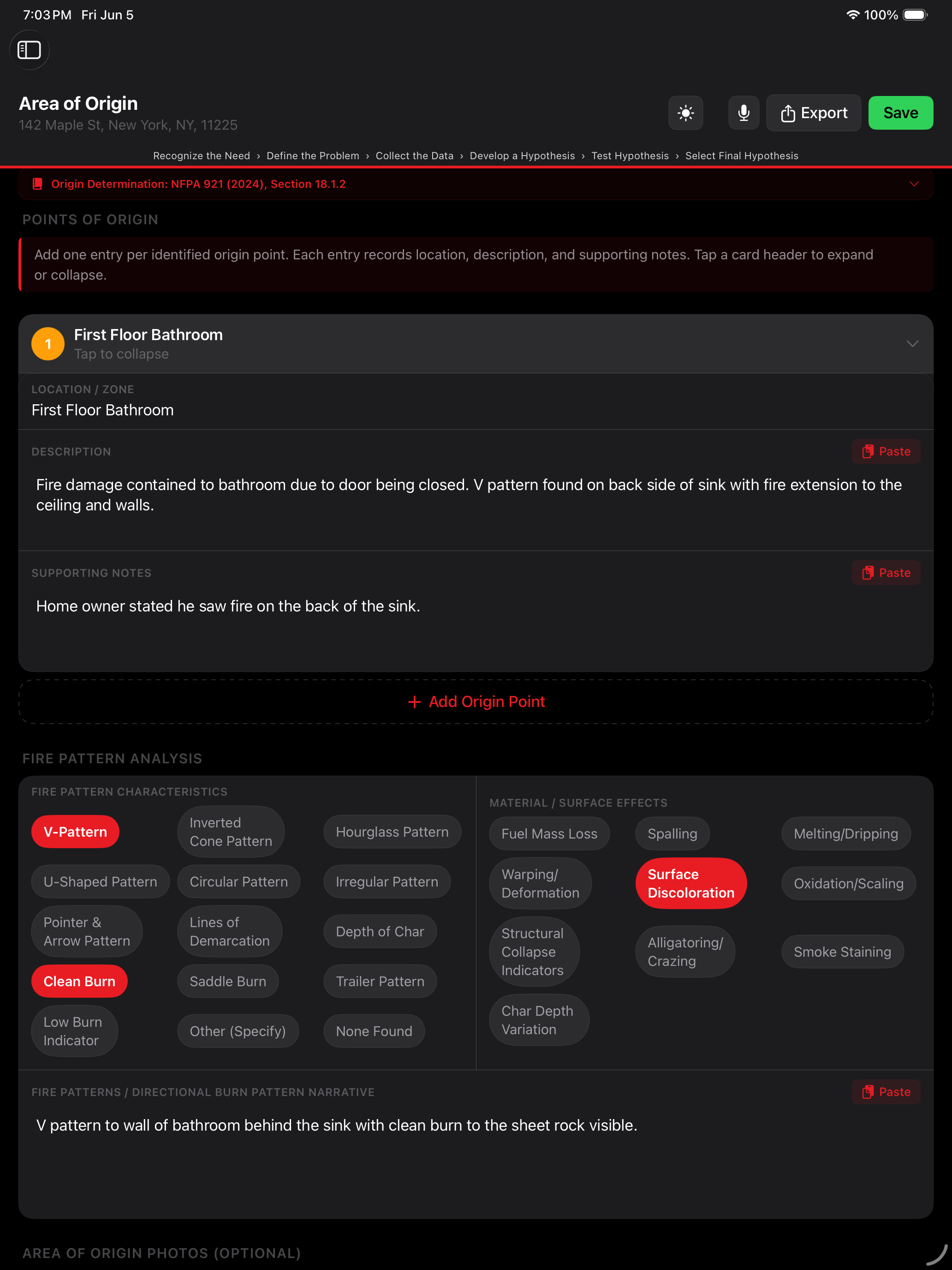
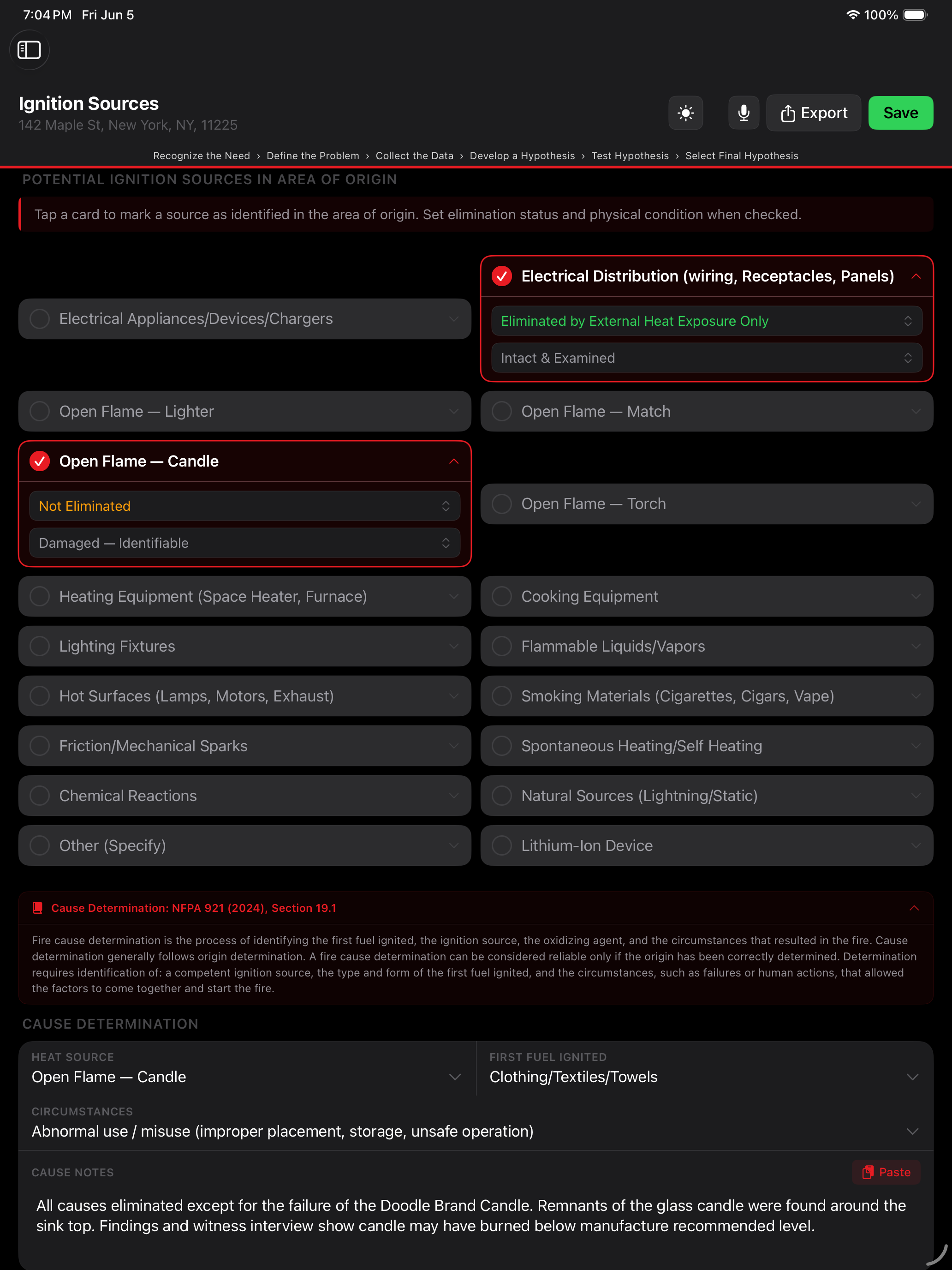
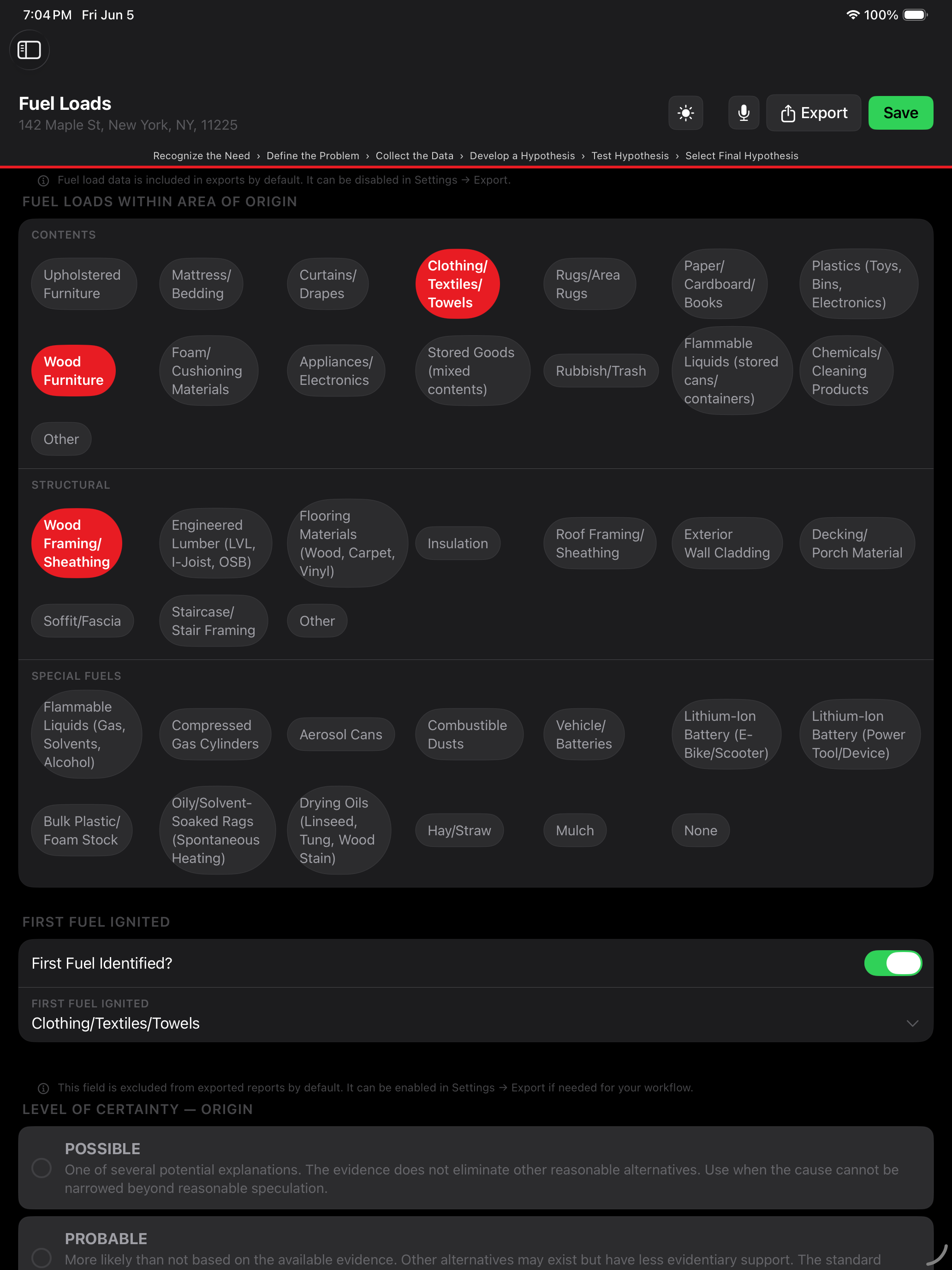
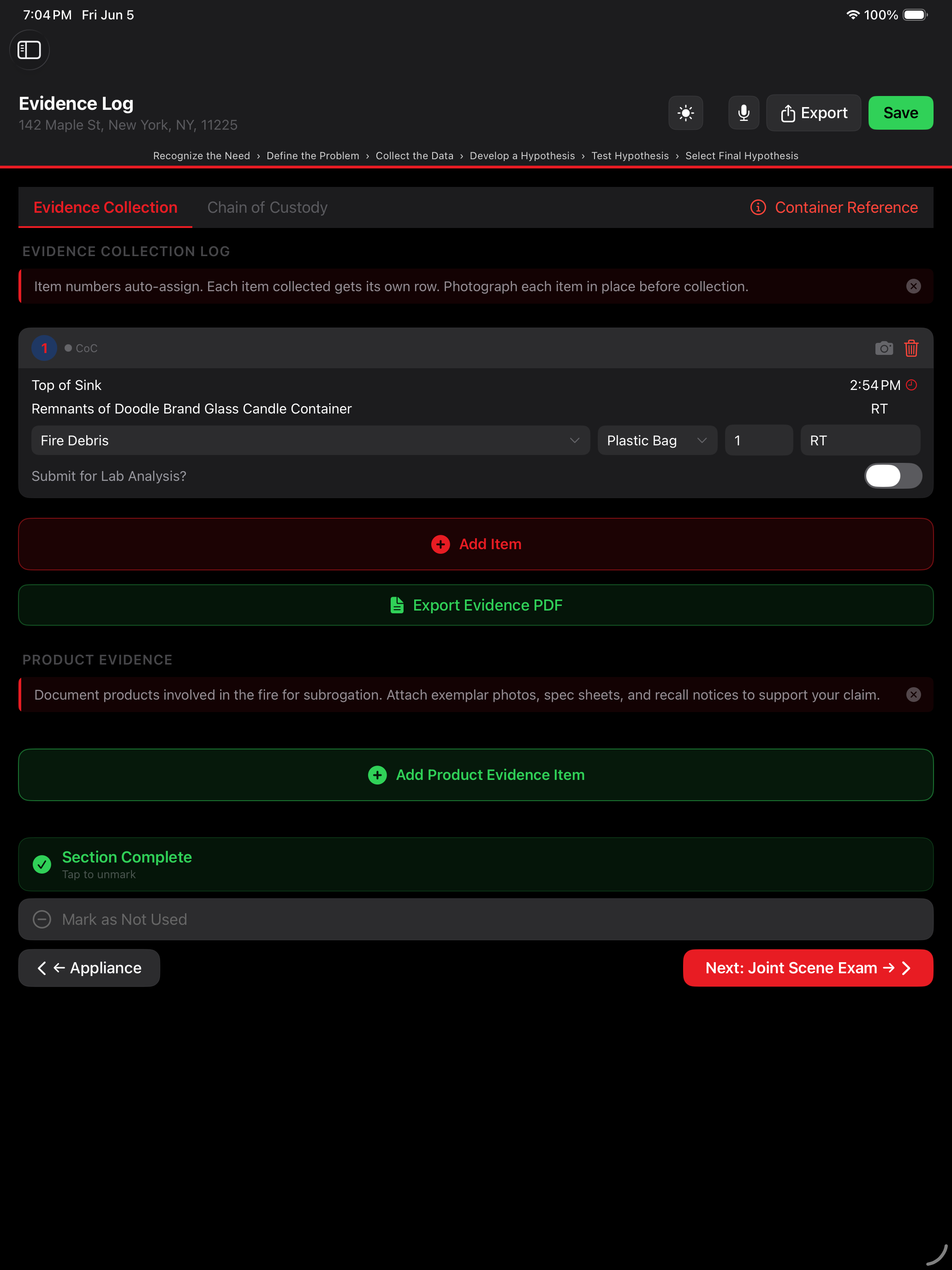
Structure cases cover 18 sections. Vehicle and vessel cases add dedicated sections plus shared documentation across witnesses, evidence, casualties, and more.
Unlimited cases. Every feature. Cancel anytime. 5 cases included free — no time limit, no credit card required.
5 cases included free · No time limit · No credit card required · Billed through Apple · Cancel anytime
Department or agency? See purchasing options for teams →"I built this because the tools didn't exist. Not to get rich off investigators. The pricing is what it needs to be to keep the lights on, nothing more."
DocuFire is live on the App Store. Download now — your first 5 cases are included free, with no time limit and no credit card required.
Download on the App Store